Use the device already in your hand without installing another mobile or desktop application.
Version 1.0
Secreto Hub
Secure local file transfer for Android TV
Send encrypted files to your TV from a phone, tablet or computer browser over the same local network—without a companion sender app or SecretoTools cloud upload.
- Secure Encrypted Transfer
- Session-specific pairing
- Multi-file with retry
PHONE / COMPUTERChoose filesModern web browser
Local Wi‑Fi
Android TVReceive and manageThe idea
Make sending files to a television feel simple.
TV devices are excellent for playback, but moving files to them can be awkward. Secreto Hub turns the TV into a secure local receiver while the sender uses a straightforward browser page.
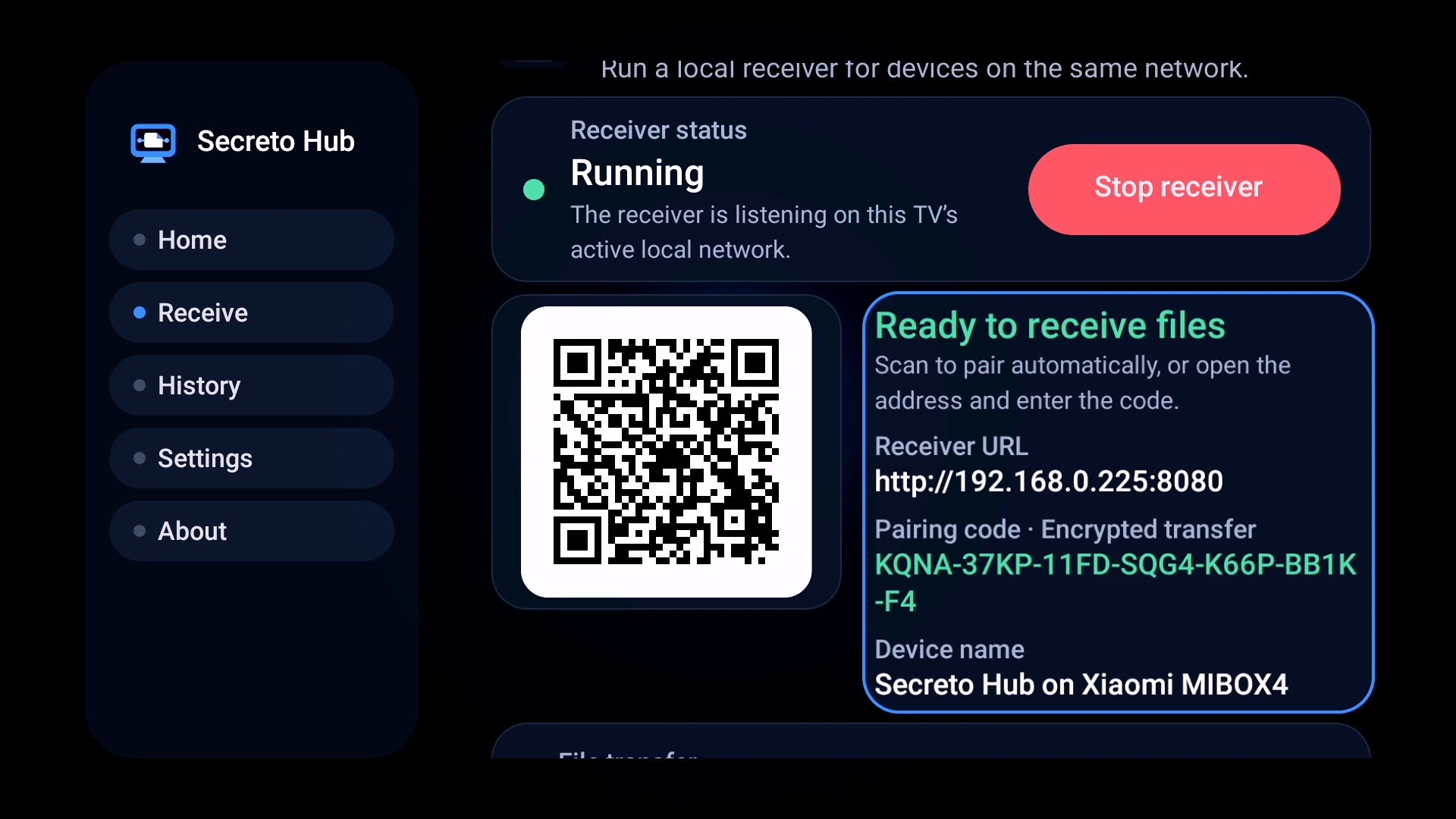
The TV displays the local connection address and receives selected files.
Transfers are designed to stay between devices connected to the same local network.
How it works01 02 03 04
From browser to TV in four steps.
Start receiving
Open Secreto Hub on the TV and start the local receiving session.
Scan and pair
Use the QR code or local address shown on the television, then establish the session-specific pairing.
Choose files
Select or drag one or more files in the browser. Files are encrypted before transmission.
Receive on TV
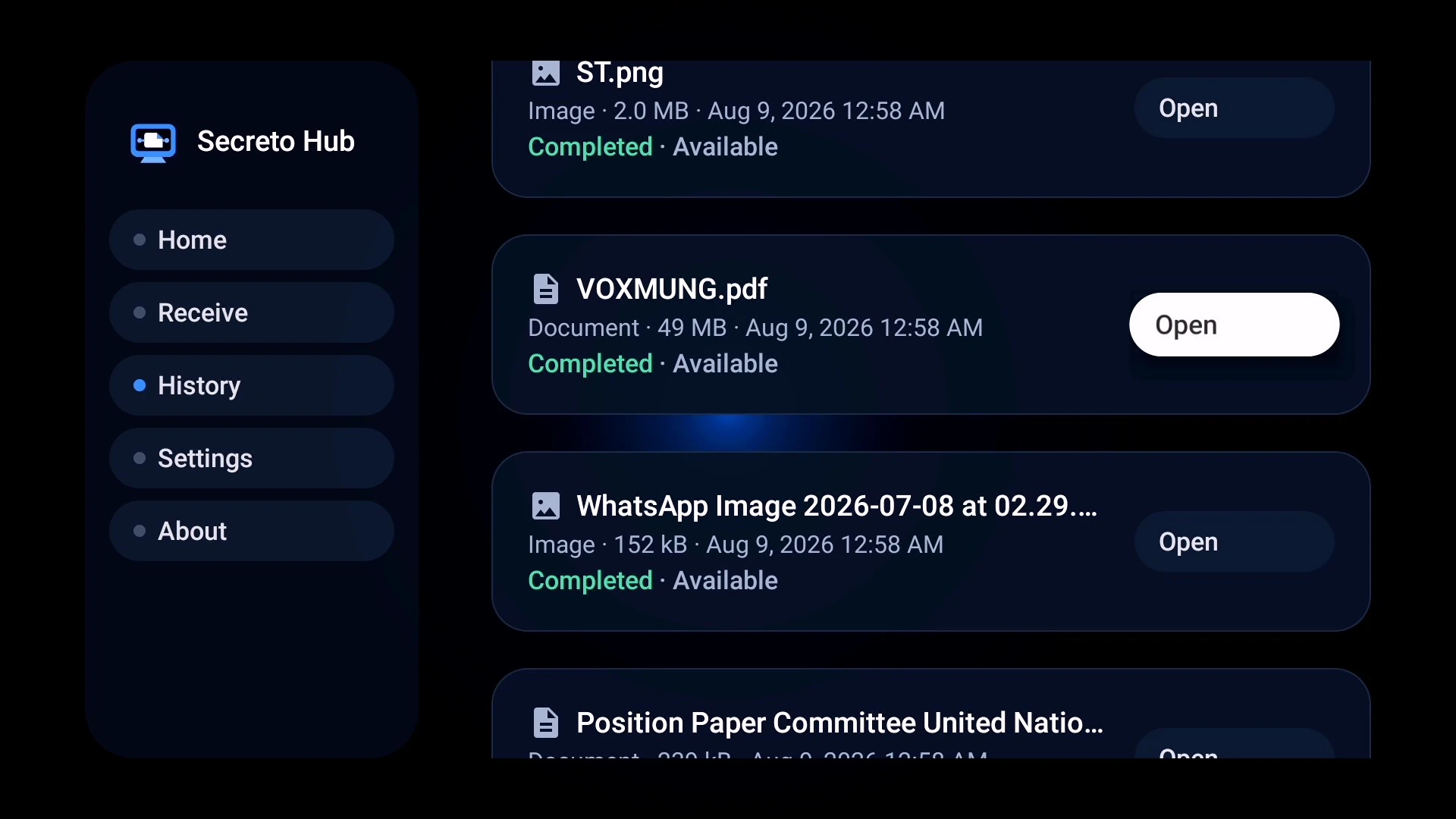
Secreto Hub authenticates the transfer, decrypts completed data locally, saves files, and updates History.
Core capabilities
A focused transfer experience.
QR connection
Open the sender page quickly without manually entering a long local address.
Multiple files
Select more than one file and follow transfer progress from the television.
Conflict handling
Incoming files can be renamed safely when a file with the same name already exists.
Clear progress
See current file status and completion information in a TV-friendly layout.
Flexible sender
Use a phone, tablet, Mac, Windows PC or another device with a modern browser.
Local operation
The receiving workflow is designed around the home or office local network.
Real transfer flow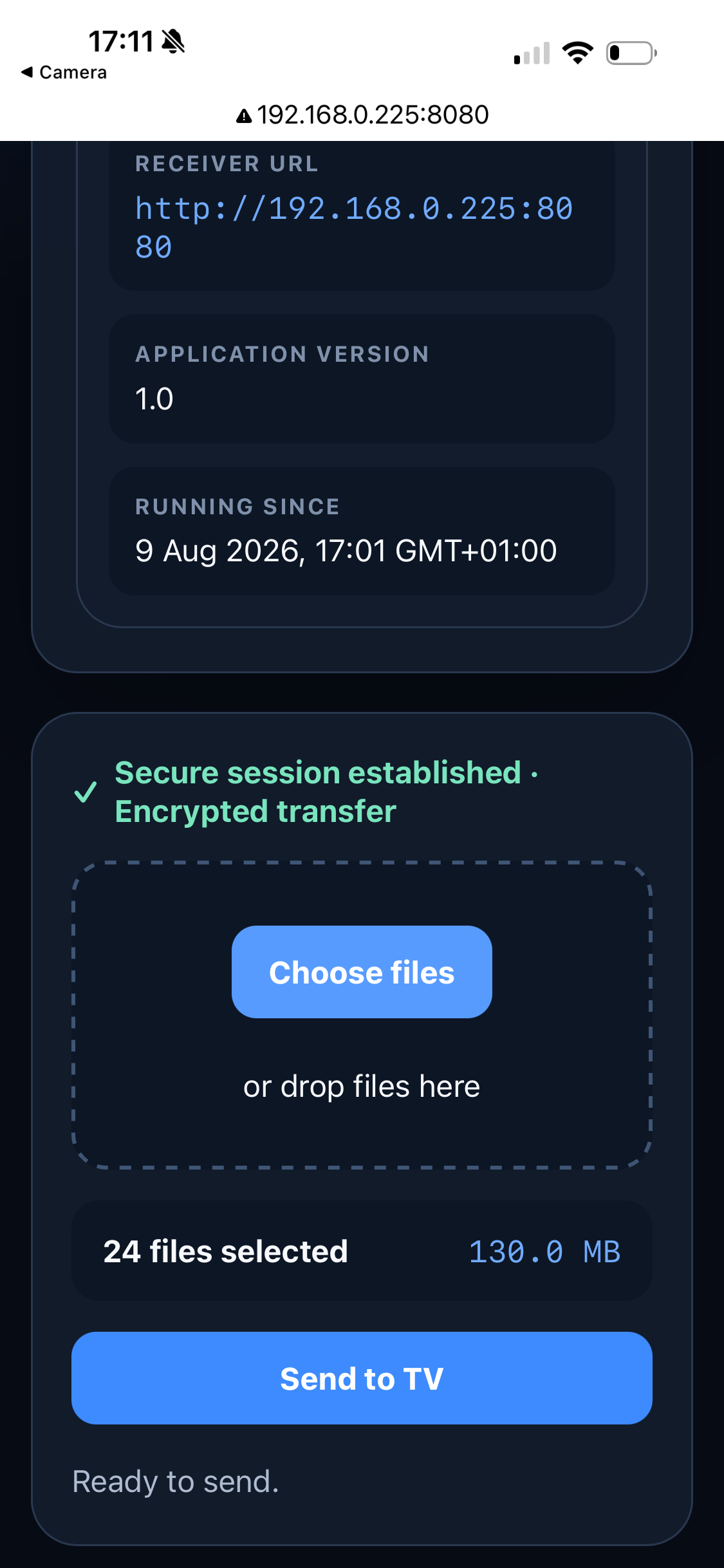
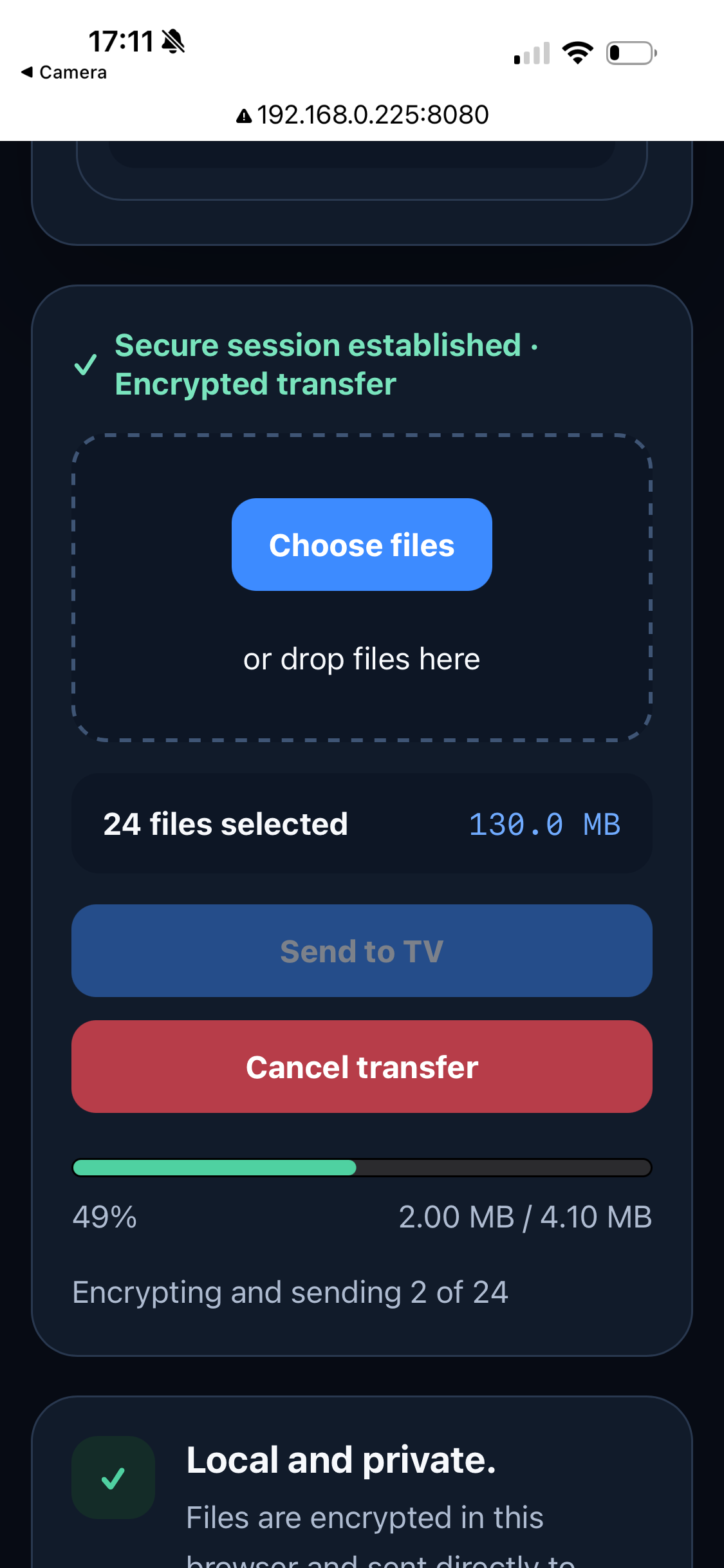
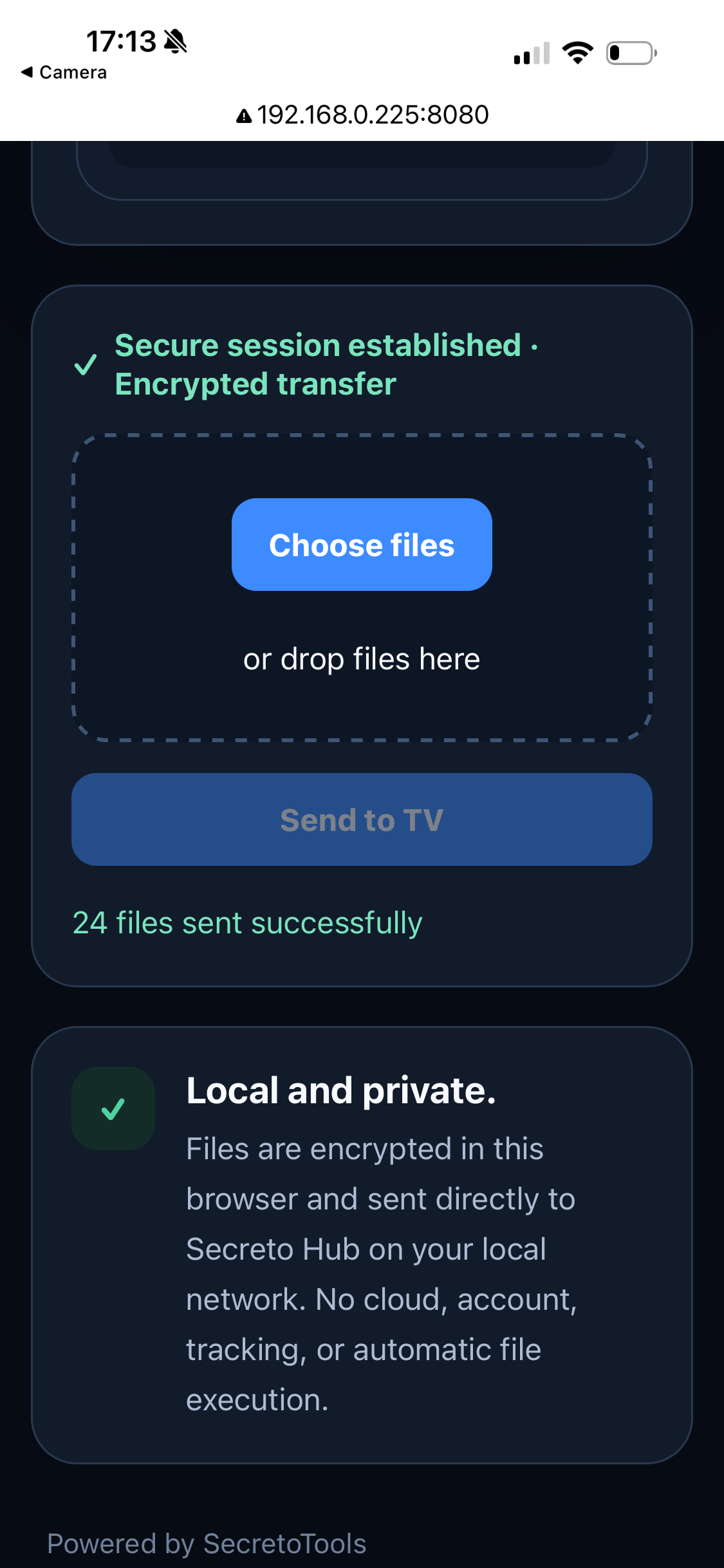
Secure multi-file transfer from your browser.
The current Secreto Hub 1.0 sender interface shows the secure session, multi-file selection, sequential encrypted transfer progress and successful completion.
Choose multiple files
Encrypted sequential transfer
Clear completion status
Security & reliability
Secure transfer built into the workflow.
Secure Encrypted Transfer
Files are encrypted in the sender browser before transmission and decrypted locally by Secreto Hub on the television. No SecretoTools cloud account or external file-storage service is required.
Session-specific pairing
Each receiving session uses new pairing information to establish an authenticated transfer session.
Multi-file with retry
If one file fails, the remaining files can continue. Failed files and failure reasons are shown, and only failed files can be retried.
Requirements
What you need.
- Android TV or Google TV receiver
- Phone, tablet or computer with a modern browser
- Both devices connected to the same local network
- Enough free storage space on the TV device
Available on Google Play
Secreto Hub is publicly available for Android TV and Google TV through Google Play.
Open Google Play →Privacy approach
Local transfer by design.
Your senderBrowser selects files
→Your local networkDirect local route
→Your televisionReceives the files
Files are encrypted in the sender browser before transmission and decrypted locally by Secreto Hub on the television. No SecretoTools cloud account or external file-storage service is required.
Frequently asked questions
What is Secreto Hub?
An Android TV file receiver that lets another device upload files through a local browser page.
Does the sender need an app?
No. A modern browser on the sender is enough.
Are files uploaded to a SecretoTools server?
The product is designed for local-network transfers without an external SecretoTools file server.
Does it work outside the home network?
The intended workflow requires both devices to be connected to the same local network.
Is Secreto Hub available on Google Play?
Yes. Secreto Hub is publicly available on Google Play for Android TV and Google TV.
Are files encrypted during transfer?
Yes. Files are encrypted in the sender browser before transmission and decrypted locally by Secreto Hub on the television.
Can I send multiple files at once?
Yes. If one file fails, the remaining files can continue, and failed files can be retried separately.
Are received files opened automatically?
No. Received files are not opened or executed automatically.
Official release
Get Secreto Hub on Google Play.
Install the official Secreto Hub release for Android TV and Google TV. The companion website remains available for product guidance, privacy information and support.
Related product Explore SecretoTools TV
Discover SecretoTools TV
Understand the device receiving your files with clear TV diagnostics.
Secreto Hub 1.0
Current Secreto Hub 1.0 interface
Real screenshots from the current receiver, secure browser transfer and History experience.