Smart status
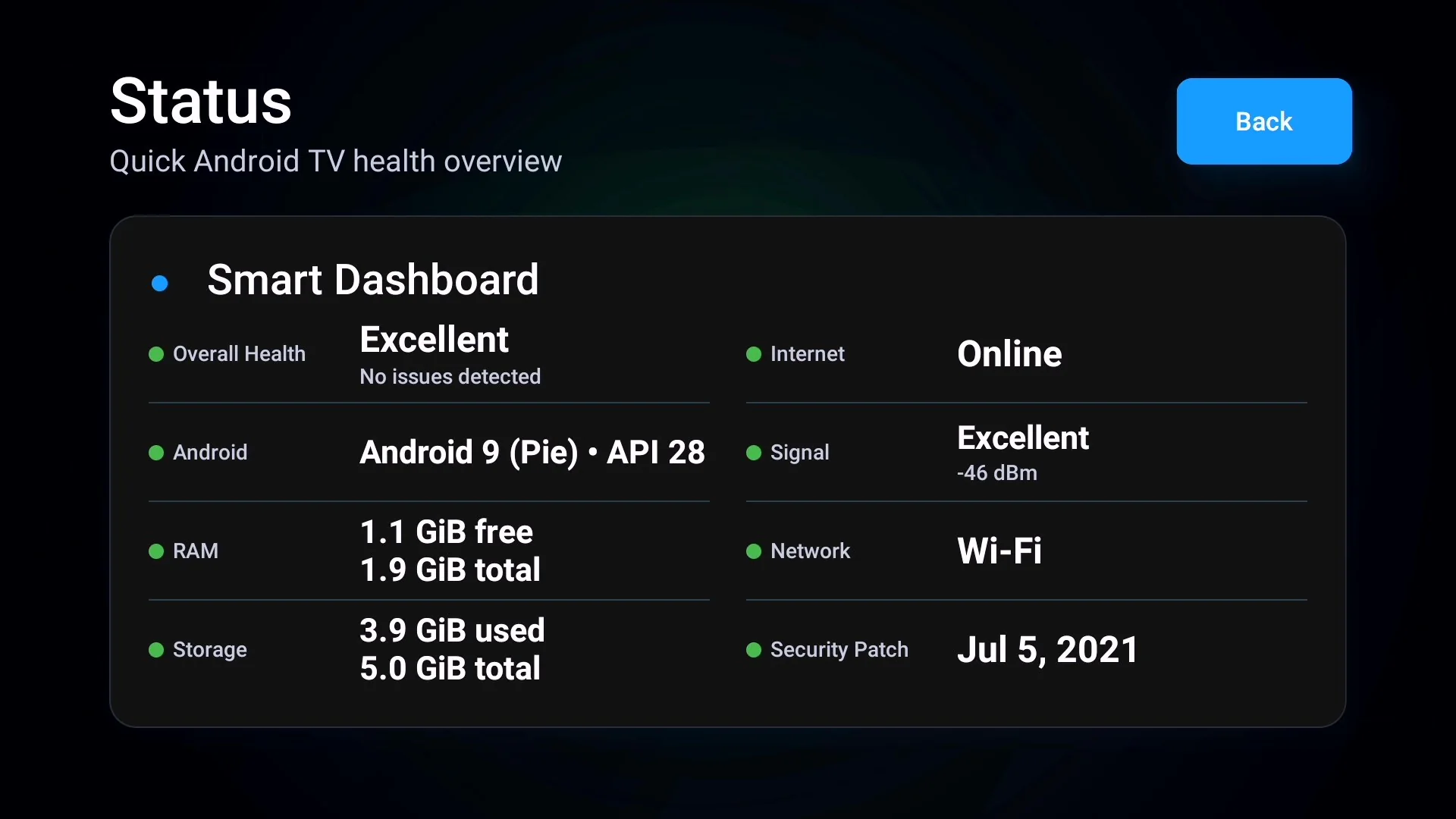
See Android version, RAM, storage, network and security patch information at a glance.
Professional Android TV Toolkit
Understand your Android TV or Google TV with clear, readable diagnostics for device health, storage, network, installed apps, media codecs and streaming compatibility.
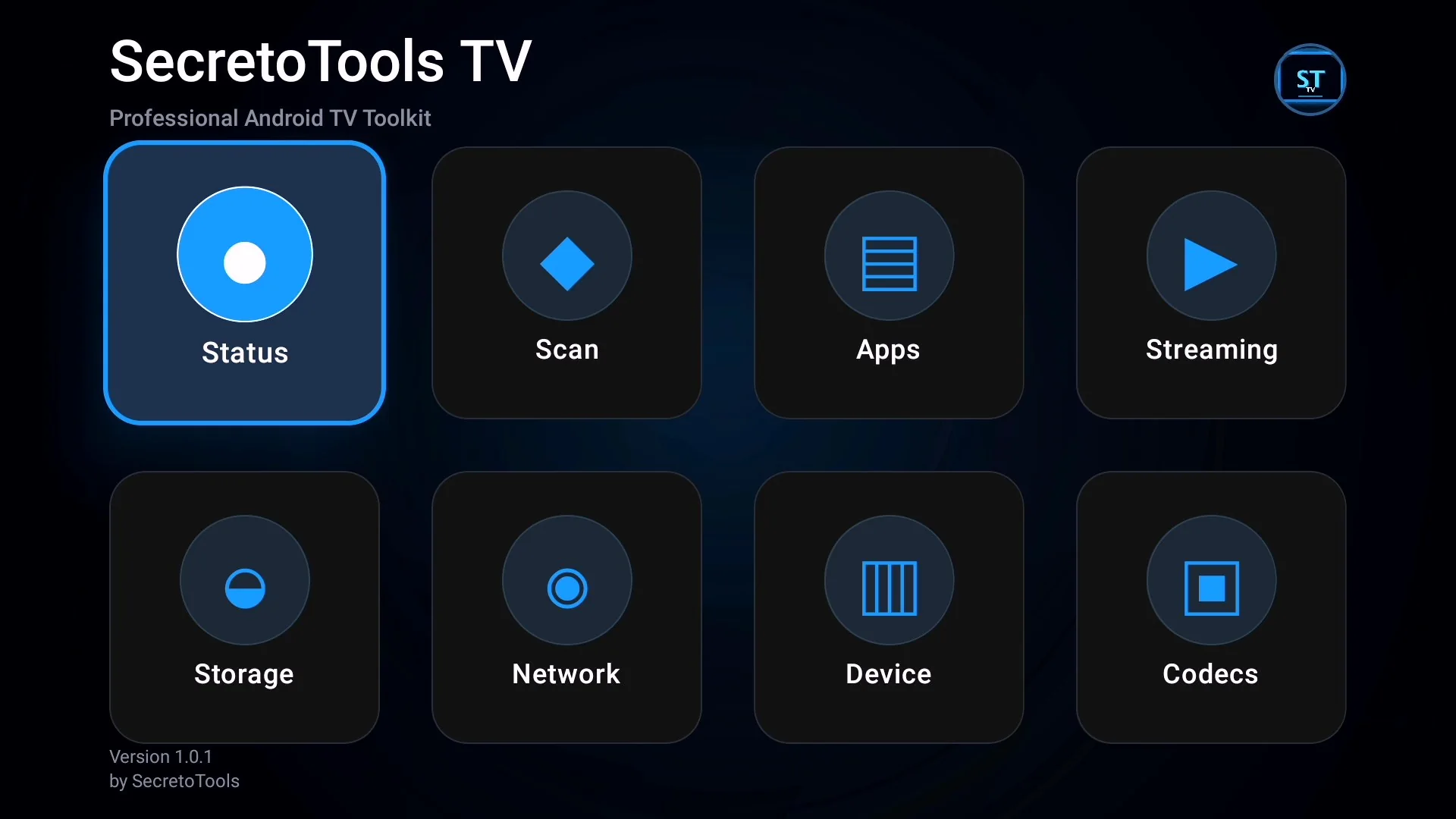
Instead of searching through hidden system menus, SecretoTools TV organizes the most useful device information into focused screens made for a TV remote.
See Android version, RAM, storage, network and security patch information at a glance.
Run a readable device scan with practical findings and recommendations.
Review model, processor, memory, display, audio, network and system details.
Inspect applications that Android permits the app to discover under package visibility rules.
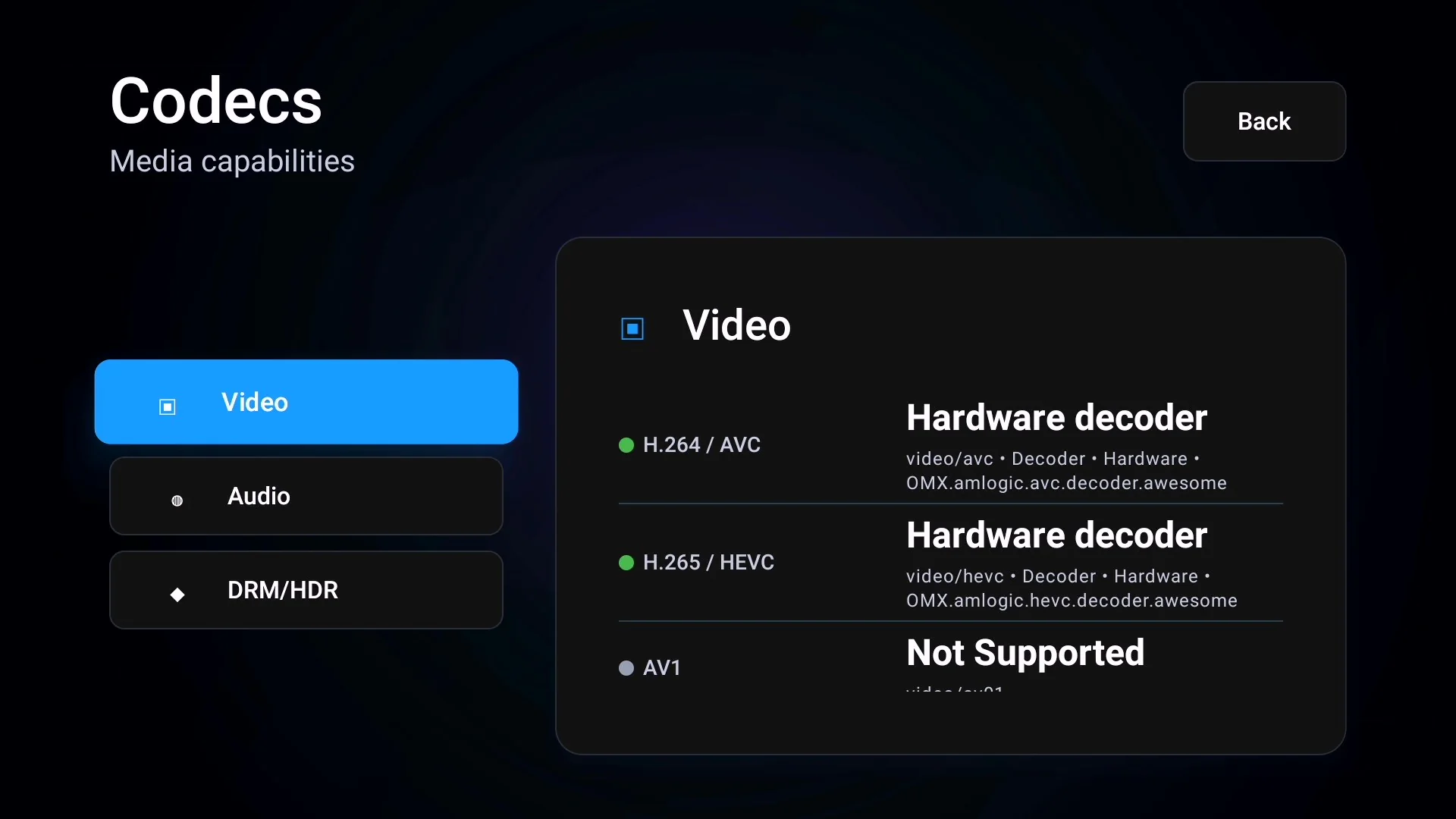
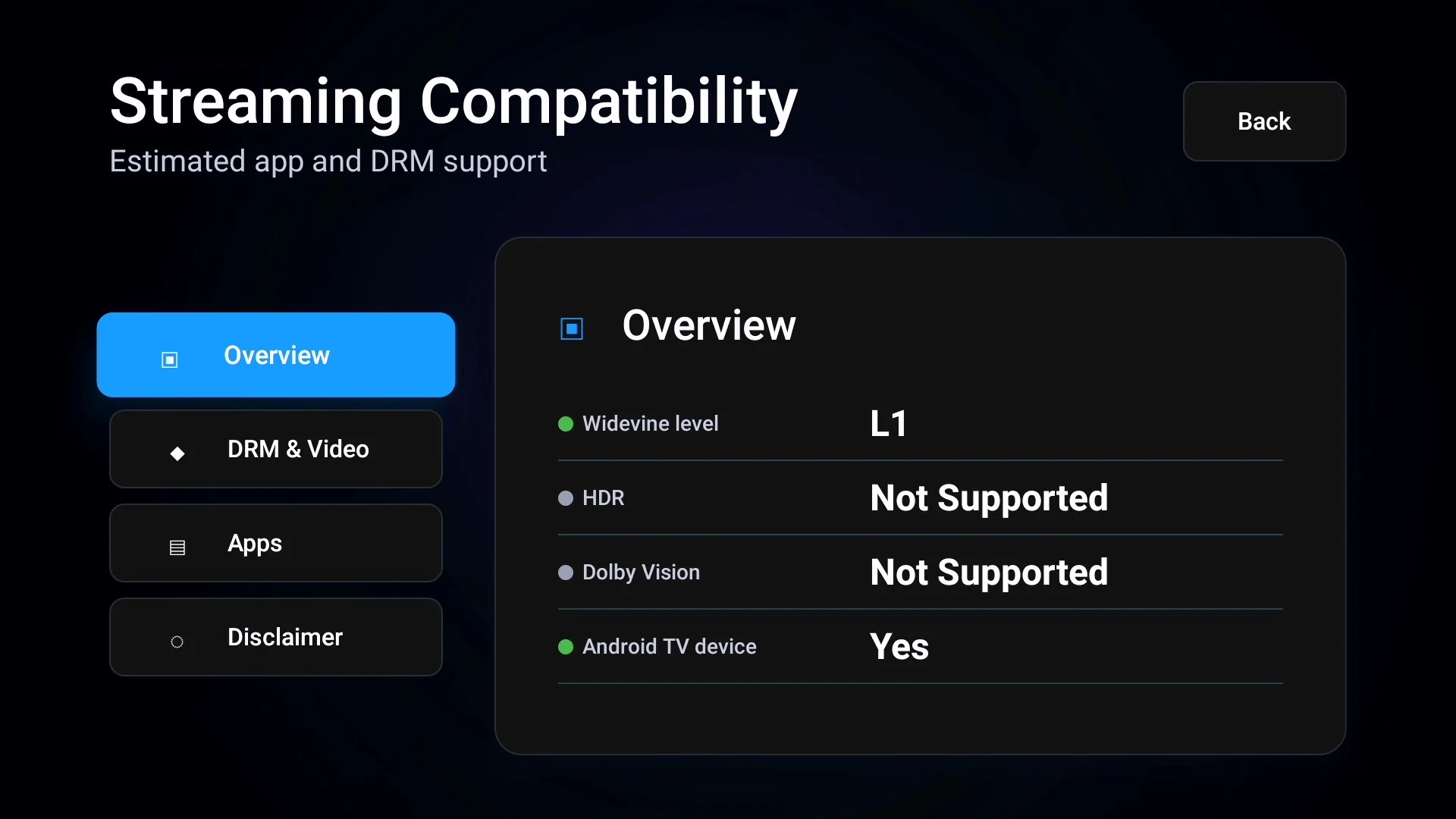
Review hardware decoding, media codec, Widevine and HDR capability signals.
Understand free space and current connectivity without navigating complex settings.
Use the official listing to receive the trusted current version and future updates.
Open Status, Scan, Apps, Storage, Network, Device, Codecs or Streaming.
Information is grouped and labelled for comfortable reading from the sofa.
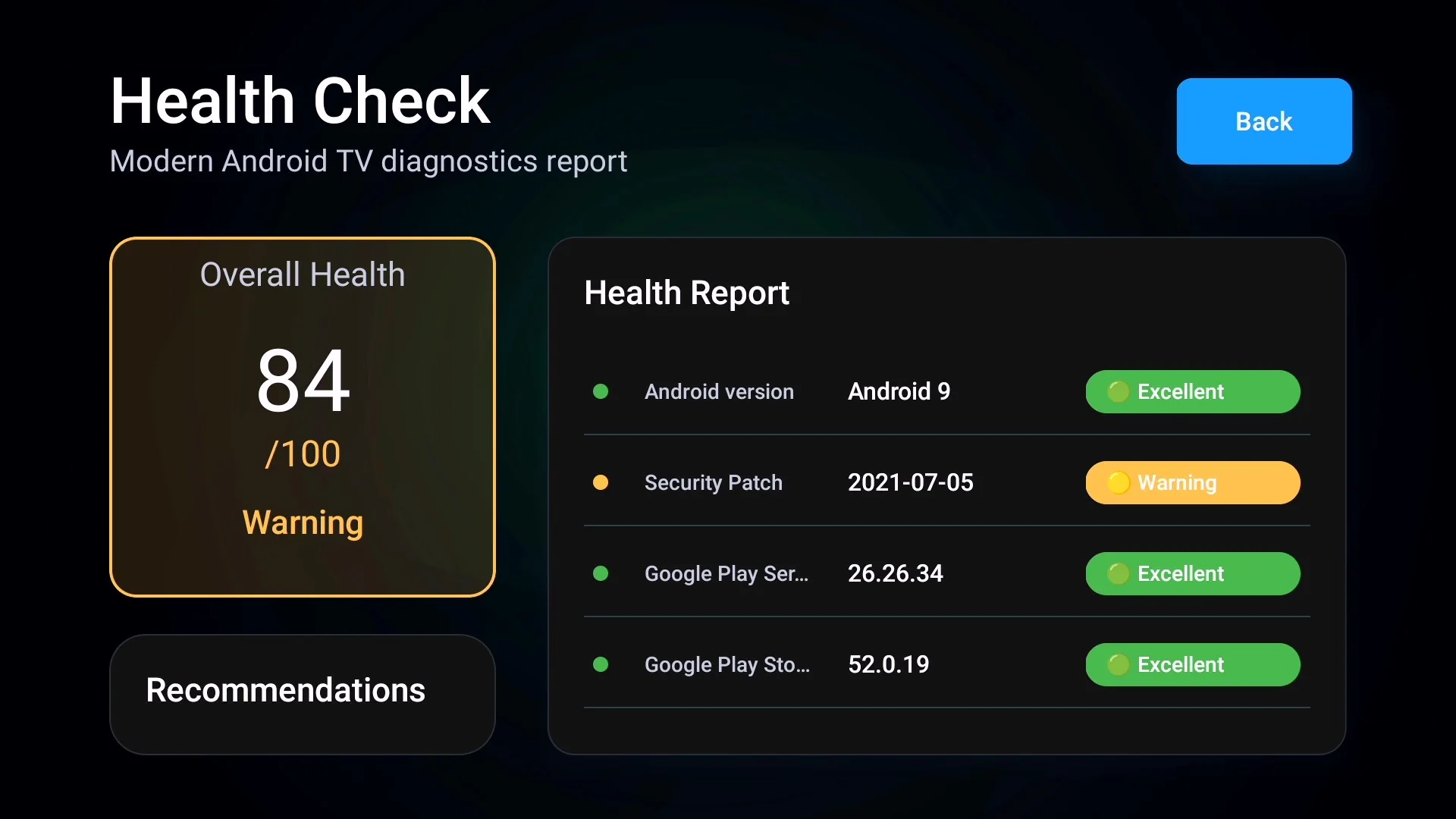
Large typography, visible focus states and layouts created for distance viewing.
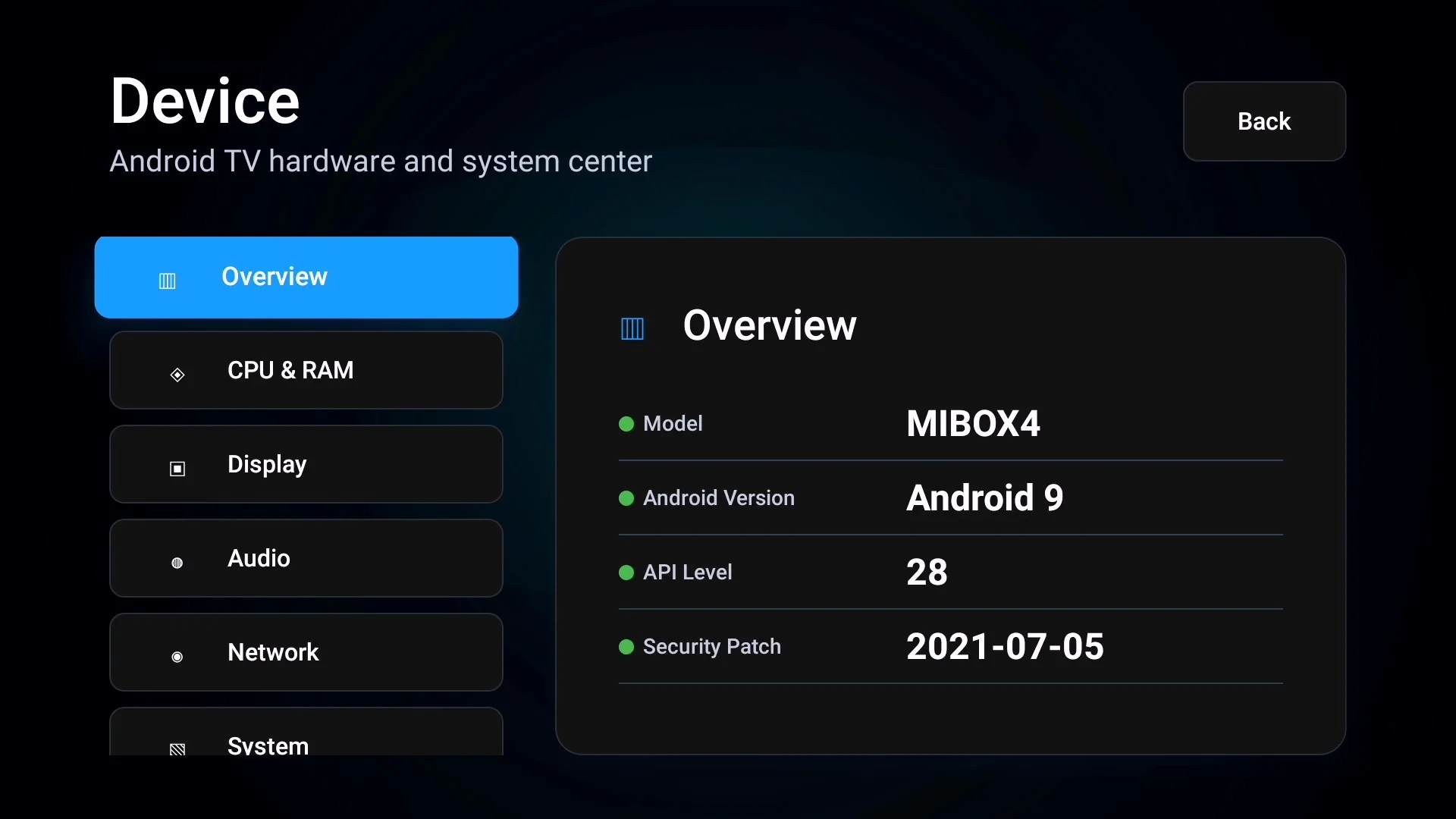
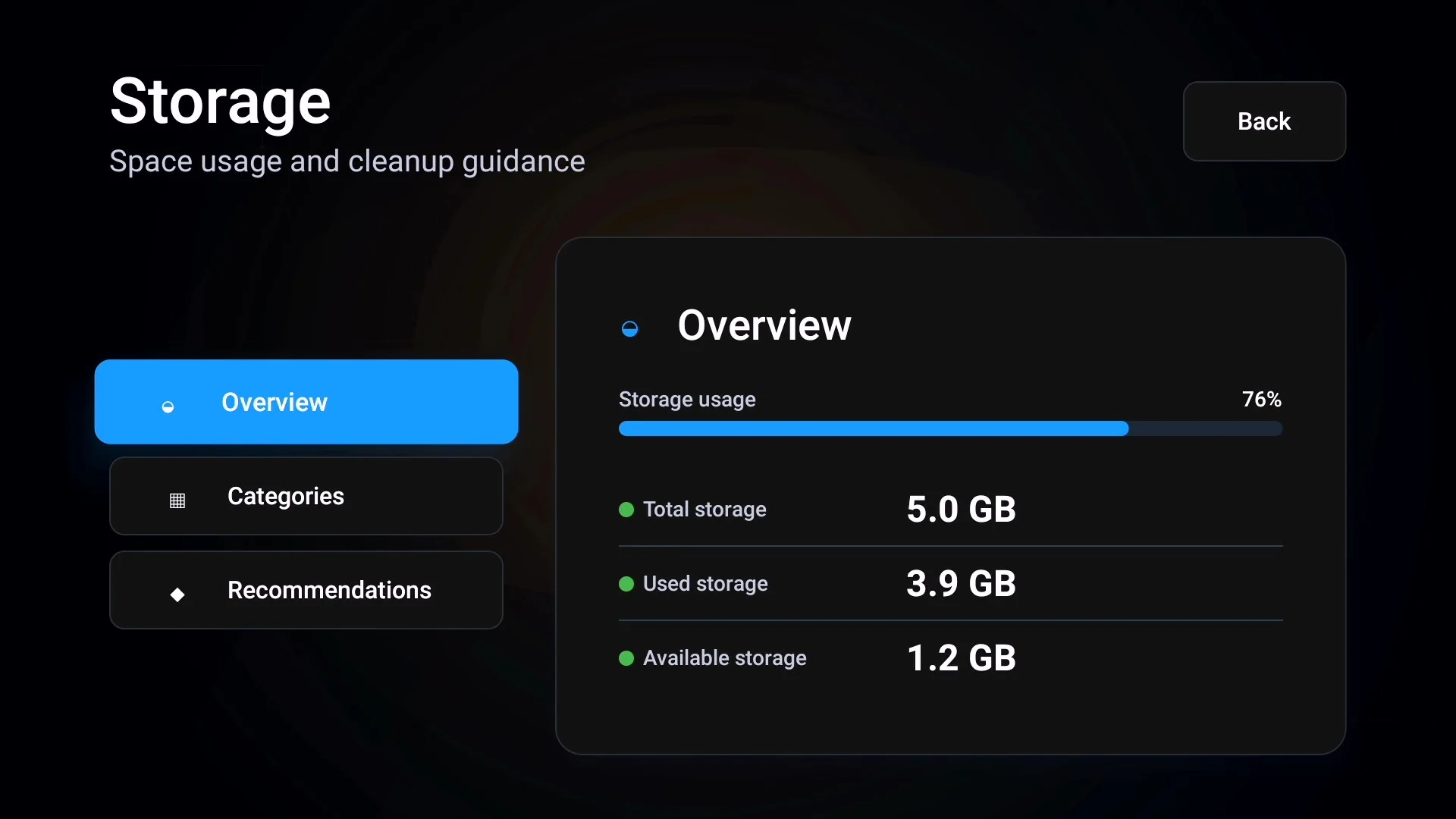
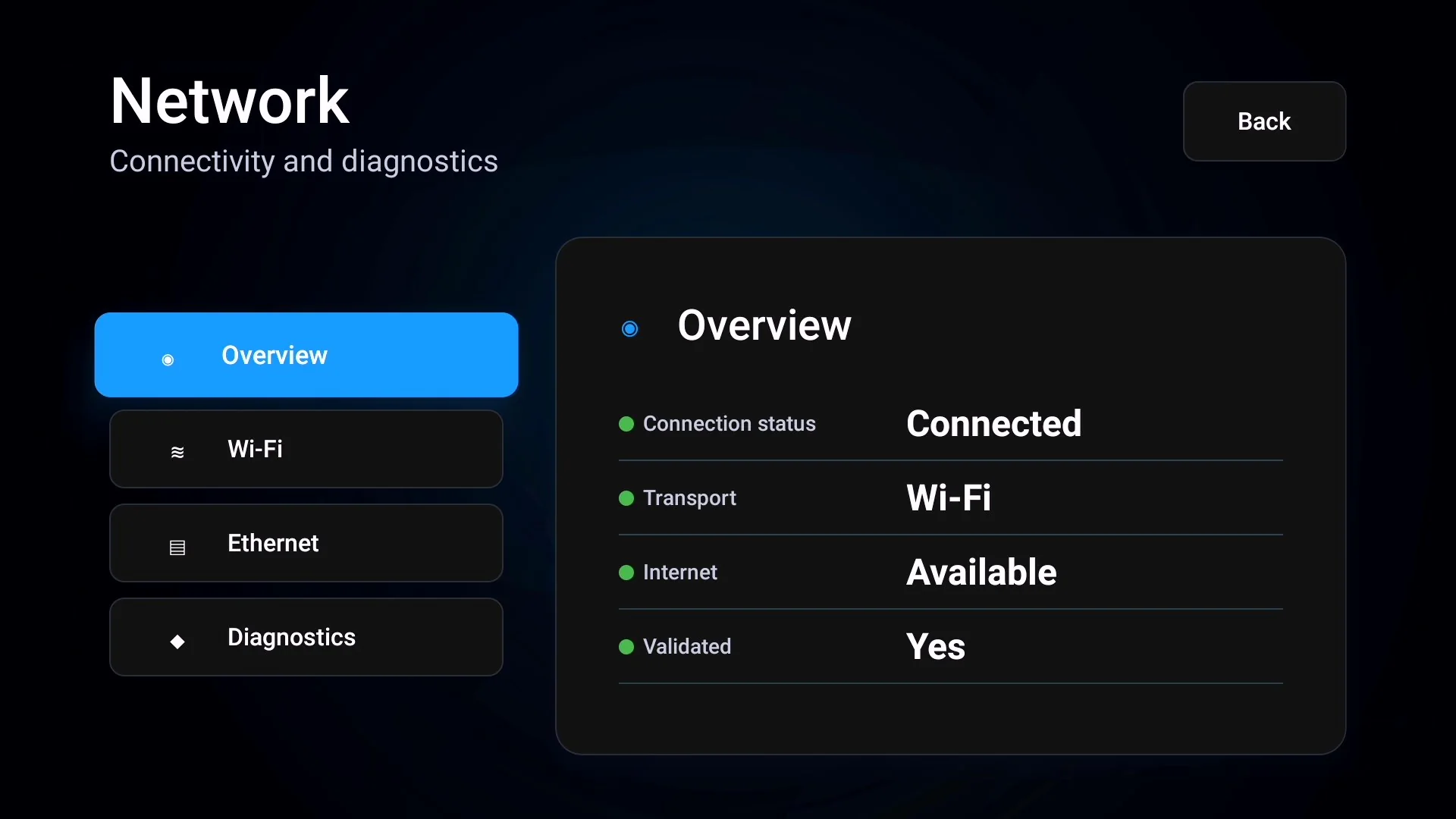
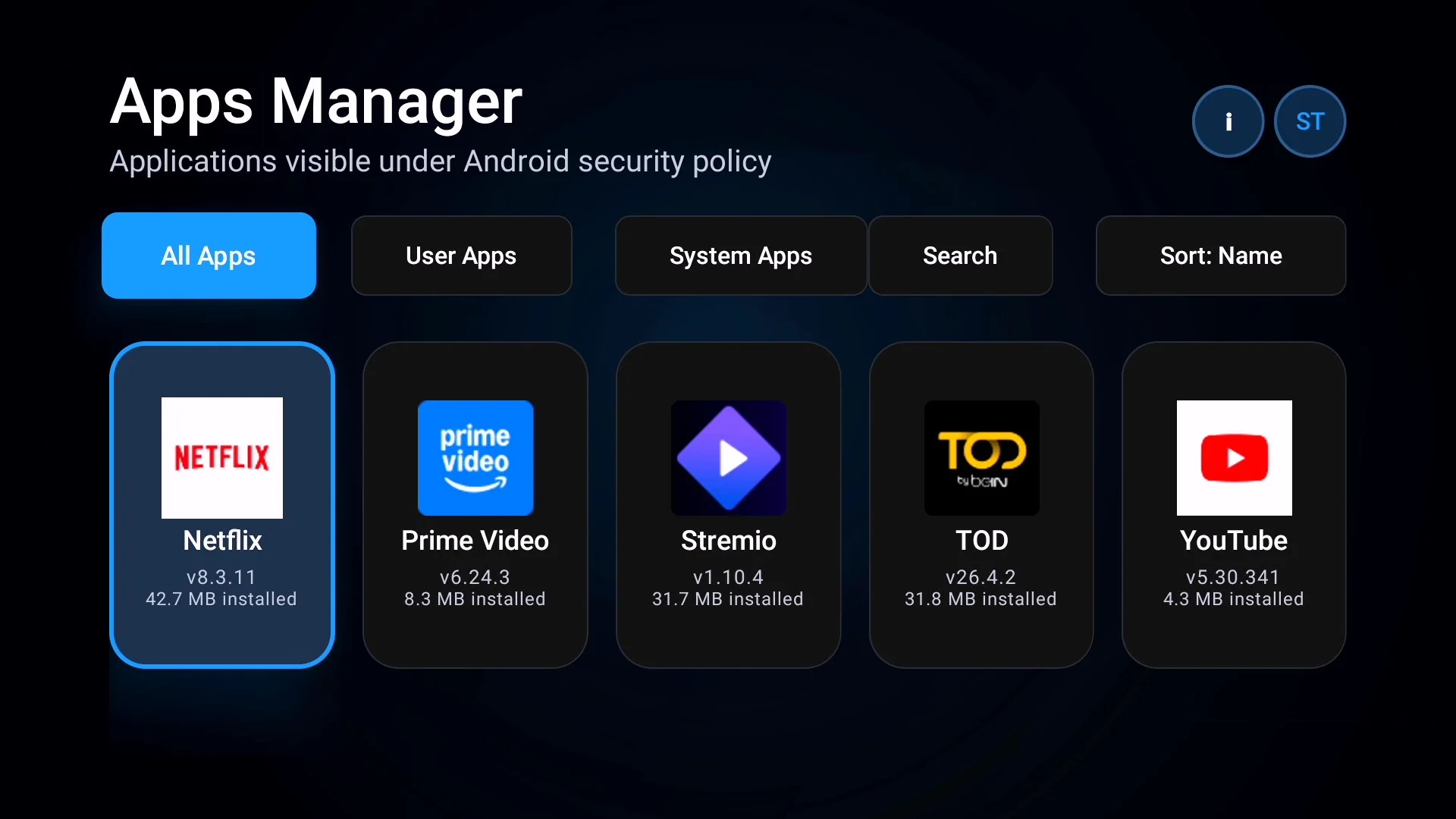
Results reflect information exposed by Android and device firmware. Hardware marketing names and reported values can differ on modified or uncertified devices.
Get support →Includes the core diagnostic experience, TV-focused interface and compatibility improvements developed through device testing.
A diagnostic utility designed specifically for Android TV and Google TV devices.
Yes. The current version is available free from the official Google Play listing.
The app displays technical information locally, requires no account and contains no advertising SDK.
Android limits app discovery. SecretoTools TV can only show applications visible under Android package visibility and security rules.
No. Results depend on the Android version, firmware and information reported by each manufacturer.
Use the official Google Play listing for the current release and future updates.
Transfer files to your TV from a phone or computer browser over your local network.